
1
Check access and inventory
The incoming team uses individual read access to record hosting, WordPress, code, plugins, forms, analytics, monitoring, and recent incidents. The live site is unchanged.
Classify every account and dependency before the old relationship ends. The incoming team should prove it can restore, release, receive enquiries, and recover access before former accounts are removed.
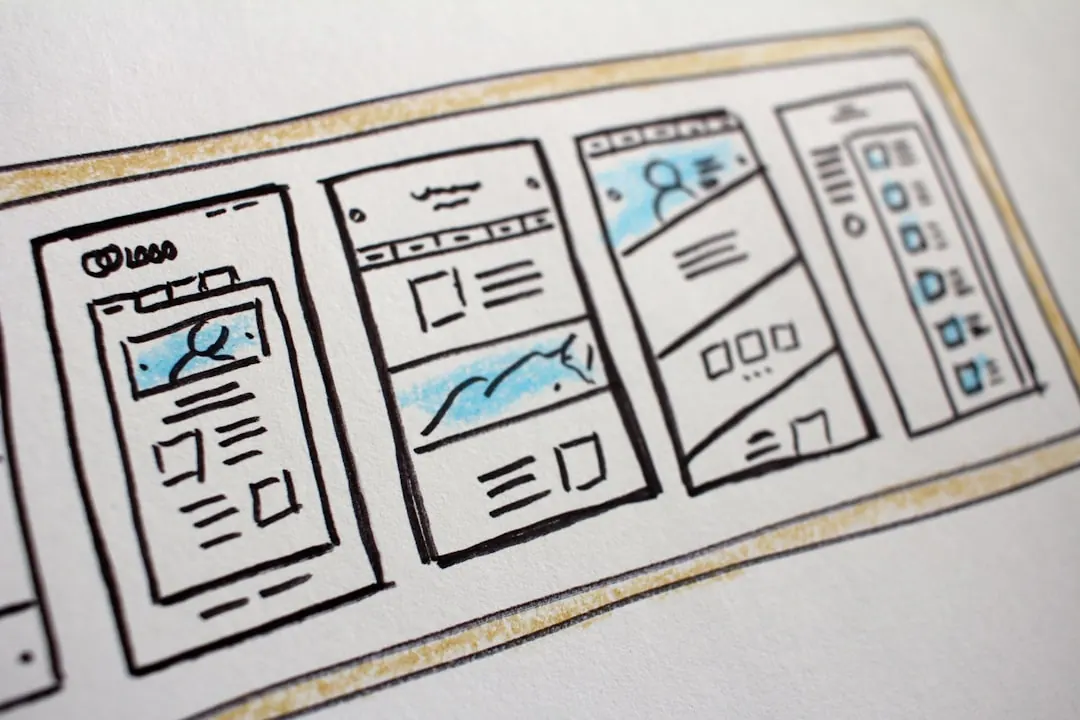
An agency handover changes who maintains the website. A relaunch changes its design, structure, content, or technical foundation. The first decision does not require the second.
Keep the current website when marketing can publish, important forms work, and the theme can be maintained. Consider a relaunch when routine changes break the site, critical extensions are abandoned, or the content structure no longer fits the business.
Ask the incoming supplier to price handover, initial repairs, and any relaunch as separate items. You can then approve the smallest useful change.
| Status | Meaning | Evidence | Decision |
|---|---|---|---|
| Company-controlled and verified | A company account can recover, renew, grant access, and complete the required action. | Role, recovery, MFA, invoice, export, and a successful task | Accept |
| Transferable | The current holder or provider has confirmed the transfer process. | Recipient, steps, deadline, cost, and completion record | Schedule before notice ends |
| Replace before exit | The account or licence cannot transfer, or company control is the safer operating model. | Replacement account, reproduced settings, and working test | Do not cancel the old service yet |
| Missing or unverified | The owner, recovery path, configuration, export, or test is incomplete. | Open question and the person who can resolve it | Block acceptance if critical |
| Dependency | Record before notice | If it changes | Acceptance evidence |
|---|---|---|---|
| Domain registrar | Holder, provider, renewal, billing, recovery, MFA | For a .de provider move, record the AuthInfo recipient and expiry | Company can renew and recover the domain |
| Authoritative DNS | Provider, users, complete zone export, nameservers | Change window, old and new values, rollback | Website and required records resolve |
| Web hosting | Contract, panel, database, files, access, backups | Restore and test on the target before cutover | Pages, forms, jobs, logs, and rollback work |
| Email hosting | Mailboxes, forwarding, delivery service, support contact | Preserve and verify MX, SPF, DKIM, and DMARC | Send, receive, and form-delivery tests pass |
The incoming team uses individual read access to record hosting, WordPress, code, plugins, forms, analytics, monitoring, and recent incidents. The live site is unchanged.
Restore a current backup into staging. Confirm build and deployment, compatibility, scheduled tasks, form delivery, consent, caching, monitoring, and rollback.

Agree who receives incidents and who may release changes. Transfer instructions, supplier contacts, open defects, renewals, and known workarounds.
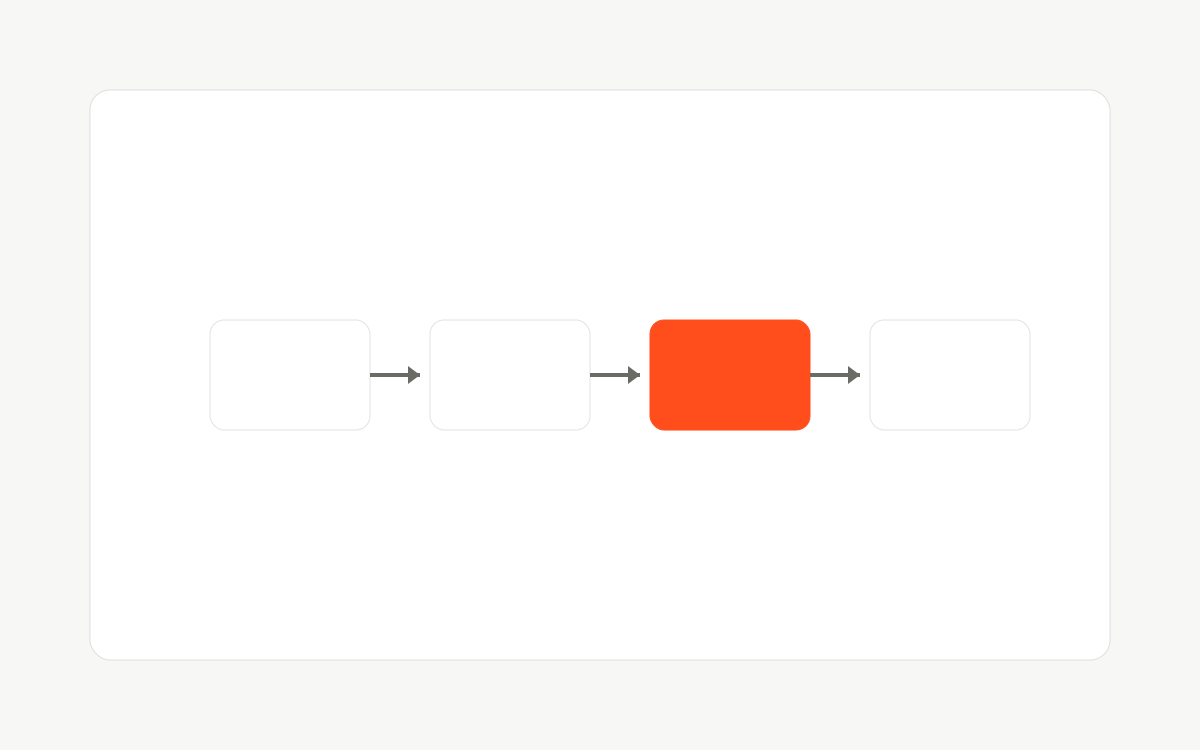
Release a small fix through staging, backup, approval, production, and verification. Accept responsibility only after forms, alerts, recovery, renewals, rollback, and changed provider dependencies pass their tests.
Keep the domain, URLs, canonicals, robots rules, sitemap, content, redirects, and analytics stable during the handover. Record Search Console clicks and coverage, top landing pages, crawl errors, Core Web Vitals, and conversion events before the first release.
Do not combine credential transfer with an unreviewed hosting move or plugin cleanup. If hosting must move, treat it as a separate release with source and target baselines, rollback, DNS planning, and post-change verification.
| Step | Record before cutover | Acceptance after cutover |
|---|---|---|
| 1. Lower DNS TTL | Current TTL and the date it was reduced (often 24 to 48 hours ahead) | Propagation window matches the plan; rollback IP still known |
| 2. Independent backup | Files and database copy stored outside both hosts, with restore ownership | Restore succeeds on a non-production environment |
| 3. Build on the target | Staging URL, PHP and WordPress versions, SSL path, cron, mail delivery | Pages, forms, login, media, and scheduled jobs pass on the target |
| 4. Keep SEO signals stable | URL inventory, canonicals, robots, sitemap, Search Console baseline | No accidental noindex, no duplicate live hosts, priority URLs resolve once |
| 5. Switch DNS, then verify | Change window, escalation contact, old host keep-alive period | HTTPS, forms, analytics, monitoring, and backups confirmed on the new host |
| 6. Retire the old host later | Minimum keep-alive window (often 7 to 14 days) and cancel owner | Cancel only after verification and a dated acceptance note |
Send us where your site stands today. We reply with the risks that carry real exposure.
| Area | Required handover | Acceptance check |
|---|---|---|
| Architecture | Hosting, environments, DNS, CDN, database, storage | Diagram matches live accounts |
| Release | Repository, branches, build, deploy, rollback | Small change reaches staging |
| WordPress | Theme, custom plugins, extension policy, roles | No unknown production-only code |
| Operations | Backups, monitoring, incidents, maintenance windows | Restore and alert tested |
| Marketing | Forms, CRM, SMTP, analytics, GTM, consent | End-to-end test reaches owner |
| Search | Sitemaps, robots, redirects, canonicals, hreflang | Priority pages match baseline |
| Commercial | Vendors, licences, renewals, support contacts | Transfer or replacement status recorded |
| Known debt | Defects, security exceptions, workarounds | Risk, responsible person, and review date recorded |
Not by itself. Risk appears when the switch also changes hosting, redirects, canonicals, robots rules, performance, content, or analytics without a controlled migration.
Lower DNS TTL ahead of time, restore and test a full copy on the new host while the old one stays live, then switch DNS in a planned window and keep the old host as rollback. Use the hosting cutover table on this page. Treat plugin export as one transfer step; accept only after restore, forms, and DNS checks pass.
Review the contract and secure company-owned access and an independent backup first. Then follow the agreed notice and handover process. This operational preparation carries no legal advice.
Document what transfers and what must be replaced. Create company accounts, reproduce the configuration in staging, and migrate one dependency at a time. Do not cancel the old service before testing the replacement.
No. A maintainable site can be continued and run by the new team, then improved incrementally. Rebuild only when evidence shows the theme, content model, workflow, security, or business requirements cannot be corrected economically.
After the new team verifies company recovery and role-level access, restores a backup, reproduces the release path, tests forms and alerts, records open risks, and accepts incident responsibility. Remove former users, verification tokens, and shared credentials only then.
DENIC explains the AuthInfo process for a .de provider transfer and separates domain administration from webspace, email, and name services. An agency change alone does not trigger either process.
WordPress documents roles and capabilities and recommends backups outside the host. Google documents separate roles for Search Console owners and users and Analytics account and property access.
Some Tech Work can continue an existing WordPress platform without making a relaunch the default. We inventory ownership, restore staging, verify releases, forms, search signals, backups, and monitoring, then agree a correction plan.
If the platform is beyond correction, we separate the relaunch scope from the agency handover. For updates, security, monitoring, and incident response, compare the published WordPress maintenance plans.
Written by
Vineet Talwar
Co-founder, Tech & Operations at Some Tech Work. WordCamp speaker across Europe and Asia, and host of the WP Shoutout podcast.
Tell us what needs fixing
We read every brief and reply within one business day.
Prefer to talk first?or request a tech stack audit →or email us directly →
Not sure where to start? Send the stuck decision, workflow, or page. We will say whether you need a diagnostic call, a tech stack audit, or a different first step.